How to Use a Digital Room Planner to Design Your Dream Space
|
|

Designing a room should feel exciting, not overwhelming. Whether you’re furnishing a new space or refreshing a room you’ve lived in for years, a digital room planner takes the guesswork out of layout, scale, and style.
At Homemakers, our Design Studio and online Room Planner work together to help you visualize your space, experiment with layouts, and design with confidence before you buy.
Let’s walk through how to use it like a pro.
What Is a Digital Room Planner?
A digital room planner is an interactive tool that allows you to:
- Input your room’s exact dimensions
- Drag and drop furniture into your layout
- Experiment with arrangements in real time
- Visualize your space in 3D
With Homemakers’ tool, you can build a room from scratch, customize finishes and save your design to revisit later .
Think of it as your virtual design studio without the pressure of making a final decision right away.
Why Use the Homemakers Room Planner?
Unlike many design tools that require subscriptions or limited features, Homemakers offers a completely free experience with real functionality .
Here’s what makes it powerful:
- Accurate scaling → Enter real measurements so everything fits
- 3D visualization → See your room come to life from every angle
- Drag-and-drop simplicity → Easily test multiple layouts
- Save + revisit designs → Pick up where you left off anytime
- Seamless designer support → Transition from DIY to expert help
Even better? You can pair your design with a free in-store consultation through the Design Studio for expert guidance.
Step-by-Step: How to Use the Room Planner
1. Start with Your Room Layout
Choose a base room shape and input your dimensions. You can rotate or mirror the layout to match your exact space.
Pro tip: Measure wall lengths, window placement, and door swings for the most accurate design.
2. Add Furniture (and Don’t Be Precise About It Yet)
Drag and drop furniture pieces into your room and resize them as needed.
Don’t worry about perfection here. Focus on the following:
- Flow
- Spacing
- Functionality
You can even use placeholder items and adjust dimensions to match real pieces later.
3. Experiment with Layouts
This is where the magic happens.
Try:
- Floating furniture vs. wall placement
- Multiple seating arrangements
- Different focal points (TV, fireplace, windows)
The goal: Find a layout that feels natural, not forced.
4. Personalize Your Space
Add finishing touches like:
- Flooring styles
- Wall colors
- Textures and visual elements
This helps you move from “layout” to full room vision.
5. Save and Share Your Design
Once you’re happy:
- Save your room
- Email it to yourself
- Revisit or refine anytime
Your design becomes a working blueprint for shopping or collaborating with a designer.
Watch our video below and see it in action!
How to Get the Most Out of Your Room Planner
Think in zones, not just furniture.
Instead of placing items randomly, design around:
- Conversation areas
- Walkways
- Functional zones (work, relax, dine)
Use Realistic Spacing
A common mistake is overfilling a room.
Follow these general guidelines:
- 18–24 inches between seating + coffee table
- 30–36 inches for walkways
- Leave breathing room around large pieces
Start Big, Then Layer In
Always place:
- Sofa / bed / dining table first
- Then secondary furniture
- Then decor + accents
This keeps your layout grounded.
Test Before You Buy
One of the biggest benefits of a planner:
You can avoid costly mistakes
No more:
- Oversized sectionals
- Cramped layouts
- Awkward traffic flow
When to Use the Design Studio Instead
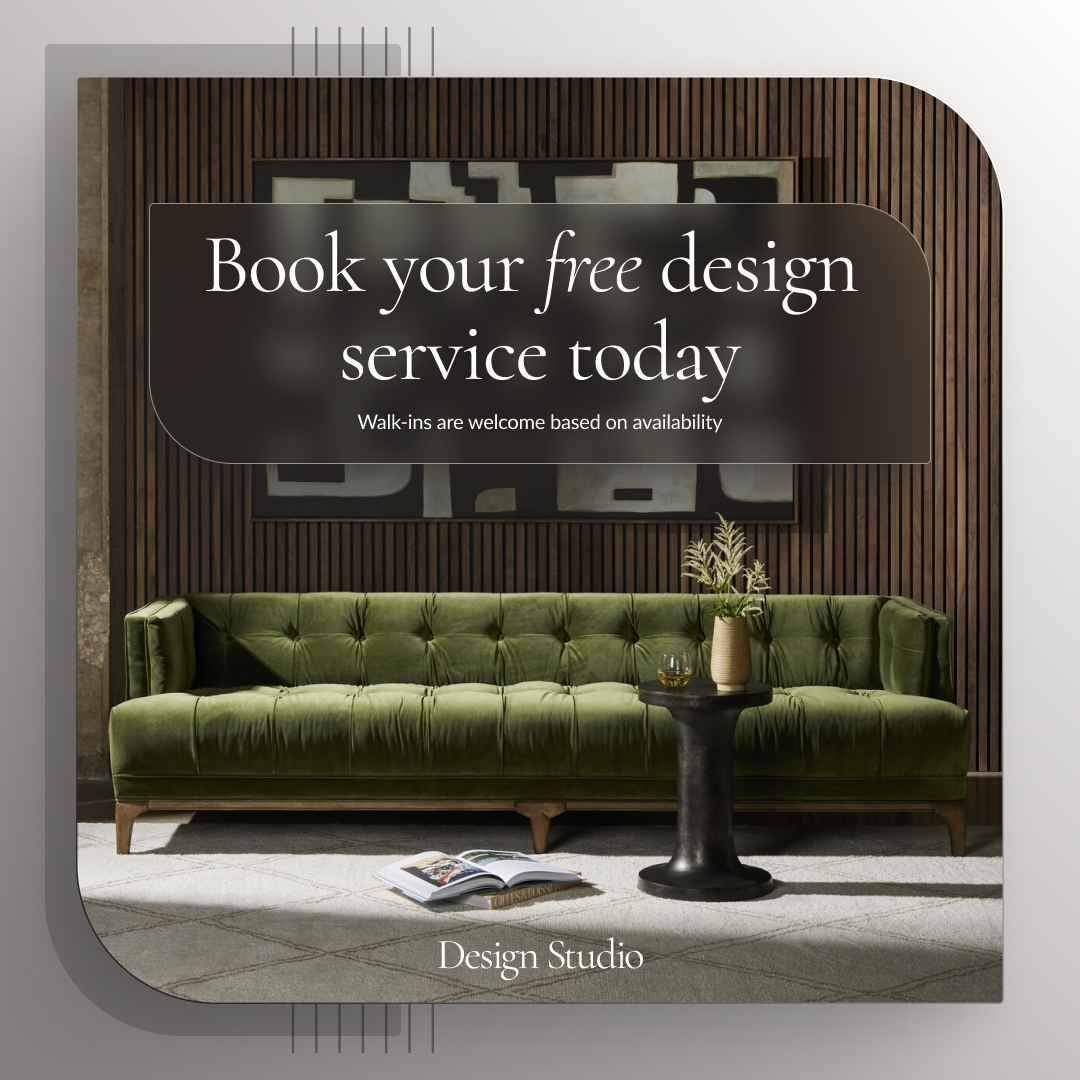
The Room Planner is perfect for DIY but sometimes you want expert help.
That’s where the Design Studio comes in.
With a free consultation, you get:
- Personalized layout recommendations
- Mood boards and styling guidance
- Real product suggestions
- Help bringing your vision to life
It’s the perfect next step when your digital plan needs a human touch.
The Best Approach: Use Both Together
The real power comes from combining both tools:
- Start with the Room Planner
- Explore layouts and ideas
- Save your design
- Schedule an appointment with a designer for refinement
This creates a seamless path from inspiration → visualization → reality
Final Thoughts
Designing your home doesn’t have to be overwhelming. With the right tools, it becomes something even better; creative, flexible, and fun.
The Homemakers Room Planner gives you the confidence to experiment, while the Design Studio ensures you get it right.
And the best part?
You can start designing your dream space today with no commitment required.
Related Articles

Van Life Made Cozy
Van Life, Made Cozy: How Furniture, Storage & Home Touches Turn A Van Into A Home


Using A Digital Room Planner